Complete MS Office Course – Word, Excel, Advanced Excel & PowerPoint | Get LBSTI Certificate After Course Completion

Wishlist Share

About Course

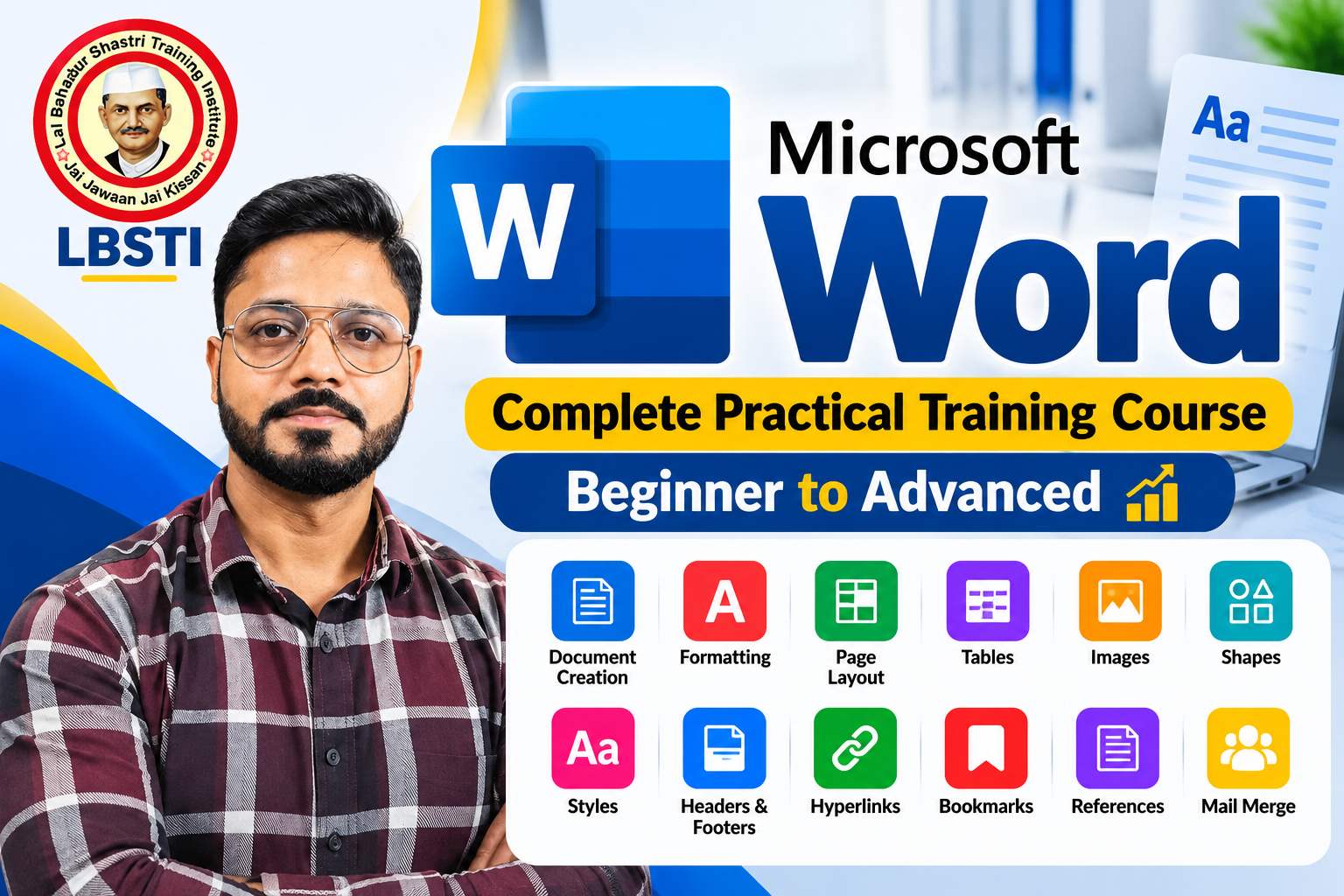
Master Microsoft Office with our complete practical training course covering MS Word, MS Excel, Advanced Excel, and Microsoft PowerPoint from beginner to advanced level.

This course is designed to help students, professionals, teachers, job seekers, and business users develop strong practical computer skills required for office work and day-to-day professional tasks.

What You Will Learn

  • MS Word: Document creation, formatting, page layout, tables, images, shapes, styles, headers & footers, hyperlinks, bookmarks, references, mail merge, and professional document preparation.
  • MS Excel: Data entry, formatting, formulas, functions, tables, sorting & filtering, charts, printing, and essential spreadsheet techniques.
  • Advanced Excel: Advanced formulas & functions, IF, SUMIFS, COUNTIFS, VLOOKUP, XLOOKUP, INDEX-MATCH, Pivot Tables, Pivot Charts, data validation, conditional formatting, dashboards, data analysis, and other advanced Excel tools.
  • Microsoft PowerPoint: Creating professional presentations, slide design, layouts, themes, animations, transitions, images, charts, SmartArt, audio/video, and presentation techniques.

The course focuses on practical, real-world examples and step-by-step training, helping you confidently use Microsoft Office for office jobs, business, education, freelancing, and professional work.

By the end of this course, you will have a strong working knowledge of MS Word, MS Excel, Advanced Excel, and PowerPoint and will be able to create professional documents, analyze data, prepare reports, and design effective presentations.

Show More

What Will You Learn?

  • Text Editing & Formatting
  • Page Layout & Document Design
  • Tables & Data
  • Images, Shapes & Graphics
  • Advanced Word Tools
  • References & Long Documents
  • Mail Merge
  • Review, Collaboration & Protection
  • Practical Projects & Professional Documents

Course Content

Complete MS Office Course – Word, Excel, Advanced Excel & PowerPoint
Master Microsoft Office with a complete practical course covering MS Word, MS Excel, Advanced Excel, and Microsoft PowerPoint from beginner to advanced level. This course is designed for students, job seekers, working professionals, teachers, business owners, and anyone who wants to improve their computer and office productivity skills. What You Will Learn MS Word Create and format professional documents Page layout, tables, images, shapes and styles Headers & footers Hyperlinks and bookmarks References and mail merge Professional document preparation MS Excel Data entry and formatting Formulas and functions Tables, sorting and filtering Charts and basic data analysis Printing and page setup Advanced Excel Advanced formulas and functions IF, SUMIFS, COUNTIFS and other important functions VLOOKUP, XLOOKUP and INDEX-MATCH Conditional formatting and data validation Pivot Tables and Pivot Charts Data analysis and professional dashboards Microsoft PowerPoint Create professional presentations Slide layouts, themes and design Images, shapes, SmartArt and charts Animations and transitions Audio and video integration Presentation design and delivery techniques Course Highlights 100% Practical & Step-by-Step Learning Beginner to Advanced Level Real-World Examples and Office Tasks Practical Assignments and Exercises Useful for Jobs, Business, Education & Freelancing By completing this course, you will develop the practical skills required to confidently use Microsoft Word, Excel, Advanced Excel, and PowerPoint for professional and day-to-day office work.

  • Welcome to LBSTI
    00:57
  • Lesson 01: How to Save a Word Document
    06:58
  • Lesson 02: MS Word – Home Tab & Its Essential Tools
    35:25
  • Lesson 03: Insert Tab in MS Word
    01:53:14
  • Lesson 04 : MS Word Design Tab – Document Formatting & Design Options
    10:40
  • Lesson 5: MS Word Layout Tab – Page Setup & Formatting
    09:18

Student Ratings & Reviews

No Review Yet
No Review Yet
Scroll to Top