Complete MS Word Course
About Course
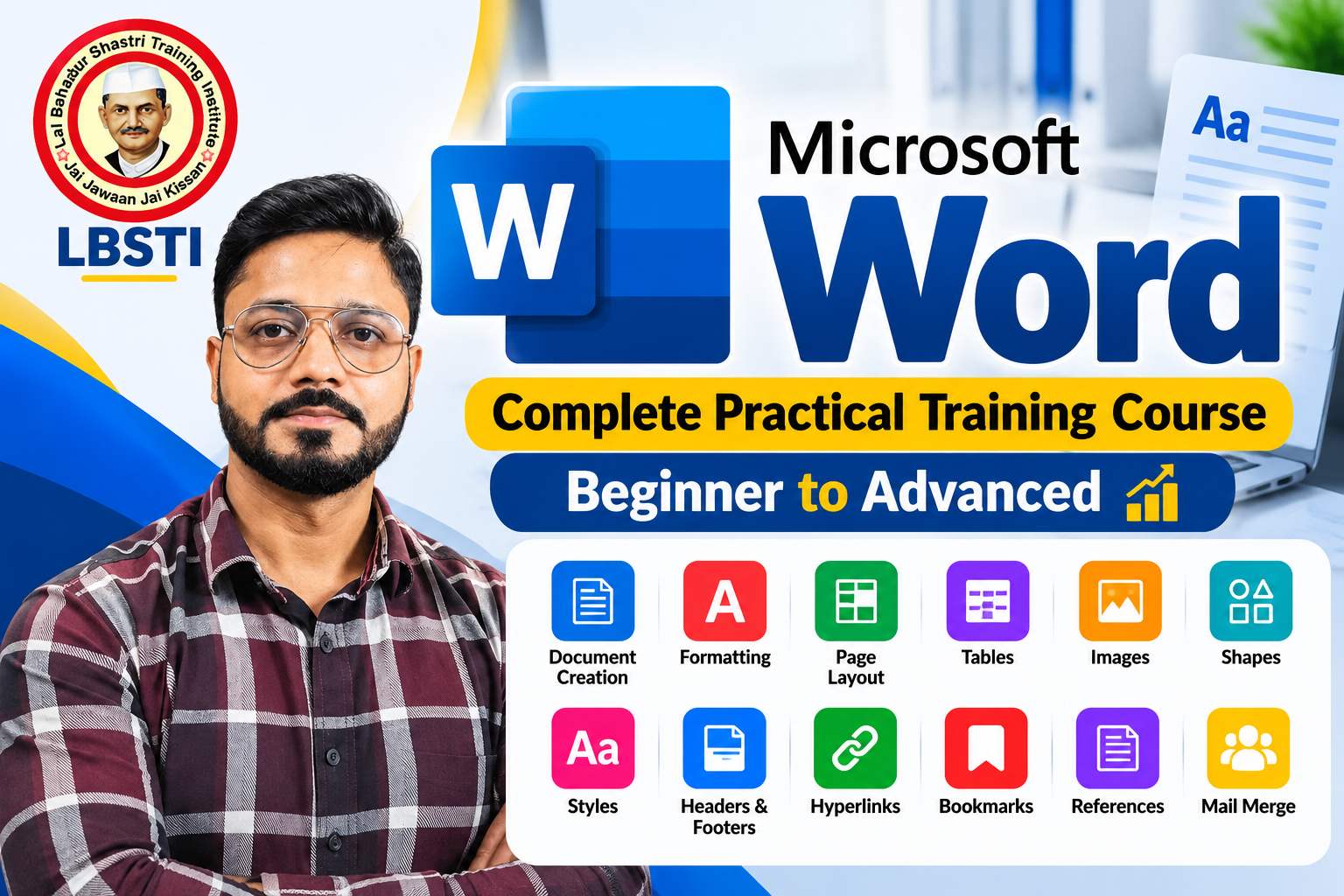
Master Microsoft Word with our complete practical training course from beginner to advanced level.
This course is designed to help students, professionals, teachers, job seekers, and business users develop strong practical computer skills required for office work and day-to-day professional tasks.
What You Will Learn
MS Word:
- Document creation
- formatting
- page layout
- tables
- images
- shapes
- styles
- headers & footers
- hyperlinks
- bookmarks
- references
- mail merge
- professional document preparation.
The course focuses on practical, real-world examples and step-by-step training, helping you confidently use Microsoft Office for office jobs, business, education, freelancing, and professional work.
By the end of this course, you will have a strong working knowledge of MS Word and will be able to create professional documents.
Course Content
Complete MS Office Course – Word, Excel, Advanced Excel & PowerPoint
-
Welcome to LBSTI
00:57 -
Lesson 01: How to Save a Word Document
06:58 -
Lesson 02: Home Tab & Its Essential Tools
35:25 -
Lesson 03: Insert Tab in MS Word
01:53:14 -
Lesson 04: Design Tab – Document Formatting & Design Options
10:40 -
Lesson 05: Layout Tab – Page Setup & Formatting
09:18 -
Lesson 06: References Tab in MS Word | Complete Explanation
23:28 -
Lesson 07: Mailings Tab – Mail Merge, Letters, Labels & Envelopes
13:46 -
Lesson 08: Review Tab | All Important Tools Explained in Simple Language
24:46 -
Lesson 09: MS Word View Tab – Complete Guide to View Options
09:46
Student Ratings & Reviews

No Review Yet